Smart Compression
Advanced algorithms reduce file size while preserving image quality. Perfect balance between size and quality.
Professional image compression for iOS. Reduce file sizes while maintaining stunning visual quality. Fast, efficient, and completely private.

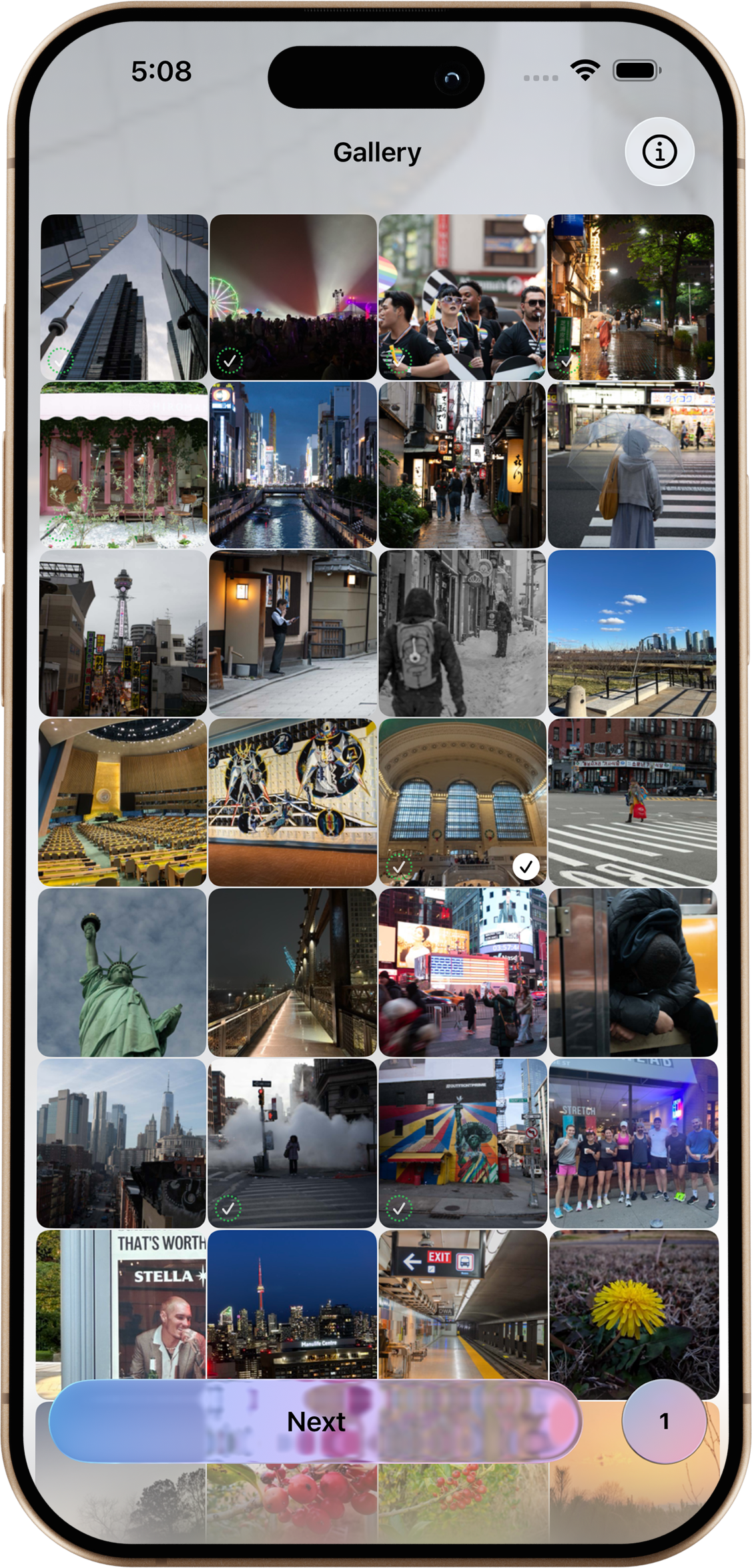
Advanced algorithms reduce file size while preserving image quality. Perfect balance between size and quality.
Support for JPEG, PNG, HEIC, and RAW formats. Compress any image from your photo library.
All processing happens on your device. Your photos never leave your phone. No cloud, no tracking.
See Kompressor in action on iPhone and iPad.
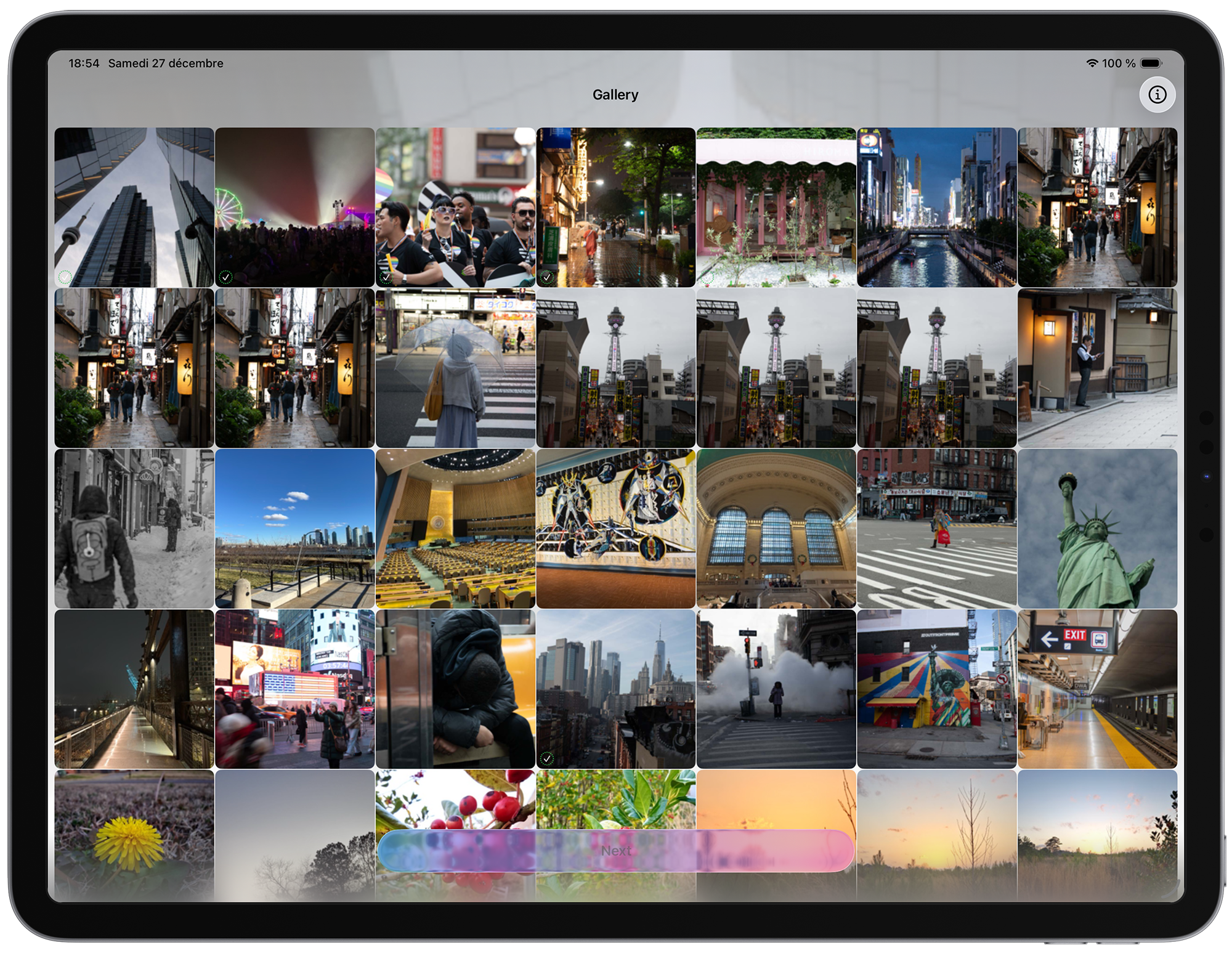
iPad
Need help? We're here for you.
Open Kompressor, select images from your photo library, choose your compression settings, and tap Convert. The results are saved to your photo library. Don’t have a RAW file handy? Download a sample DNG, save it to Photos, then try it in the app.
Kompressor uses advanced algorithms to minimize quality loss. You can adjust the compression level to balance file size and quality according to your needs.
Kompressor supports JPEG, PNG, HEIC, and most RAW image formats from popular camera manufacturers.
Absolutely! All image processing happens locally on your device. Your photos are never uploaded to any server.
For additional support, please email us at [email protected]